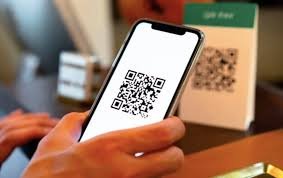
For Vehicle Owners
- Register your name, mobile number, vehicle number and emergency contact details.
- Verify your mobile number using OTP.
- Choose QR type: digital QR PDF or printed sticker.
- Complete payment if applicable.
- Download your QR PDF or receive the printed sticker.
- Paste the QR on vehicle glass, bike body, truck cabin, shop front, gate or any permitted surface.
- When someone scans the QR, they see permitted contact options and instructions.
- You can update or deactivate the QR from your account panel.
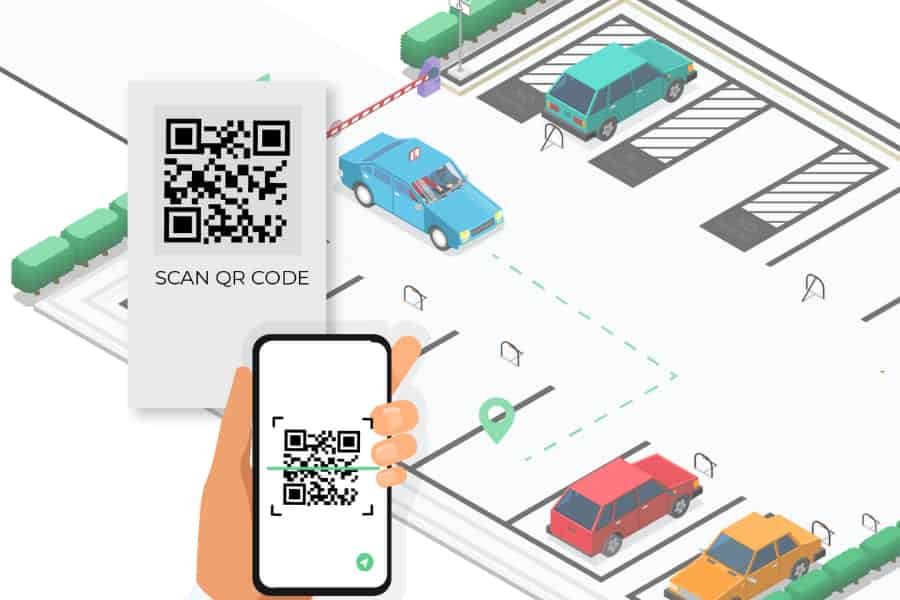
For the Person Who Scans
- Open camera or QR scanner.
- Scan the QR code on the sticker.
- See the message, vehicle/property/business identification and permitted contact options.
- Use call/WhatsApp/message option if needed.
- For accident or serious emergency, first contact police/ambulance/emergency authority, then inform the QR owner.
Suggested Scan Page Text
This QR belongs to a registered user. Please use it only for genuine parking, emergency, delivery, visitor or contact-related purposes. Misuse, harassment, spam or illegal use is not allowed. Your scan may be logged for safety, abuse prevention and service improvement as explained in our Privacy Policy.